
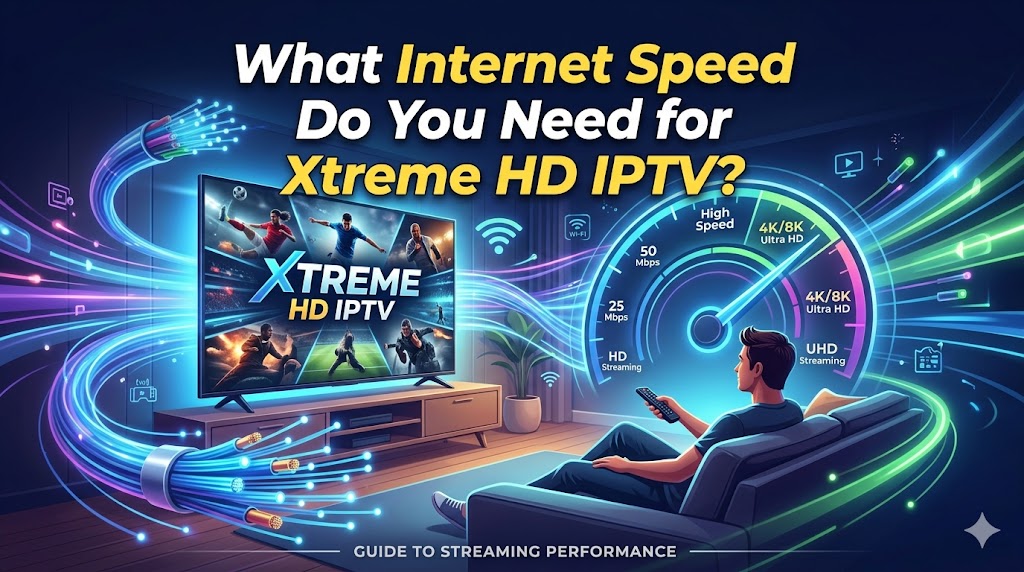
Streaming television has changed dramatically over the last few years. Millions of viewers now use IPTV services instead of traditional cable because IPTV offers more channels, international content, sports, movies, and flexibility without long-term contracts or overpriced cable boxes.
But there’s one thing every IPTV user eventually learns:
Even the best IPTV service can look terrible on bad internet.
Buffering during a penalty kick.
Freezing during a movie climax.
Your stream suddenly turning into Minecraft graphics during a UFC fight.
That usually isn’t the IPTV service itself. In many cases, it’s the internet connection, WiFi setup, or overloaded network inside the home.
If you use Xtreme HD IPTV, this guide explains the real-world internet speed you actually need for stable streaming in 2026, including HD, Full HD, and 4K content.
Recommended Internet Speed for Xtreme HD IPTV
Modern IPTV providers use efficient compression technologies that reduce bandwidth usage while maintaining image quality.
That means a properly optimized HD IPTV stream often uses less bandwidth than many people expect.
However, live sports streams usually require more stable bandwidth because motion-heavy content puts greater stress on the stream.
Football, Formula 1, hockey, and UFC are far more demanding than a cooking show where the camera barely moves for 12 minutes while someone explains organic cinnamon.
Why IPTV Buffers Even With Fast Internet
This is probably the most misunderstood part of IPTV.
Many users think:
“I have 300 Mbps internet, so buffering shouldn’t happen.”
Not exactly.
Internet speed alone doesn’t guarantee smooth IPTV streaming.
Several other factors matter:
1. Weak WiFi Signal
This is the biggest problem in most homes.
Your internet package may be fast, but your streaming device could be receiving a terrible signal because:
- The router is too far away
- Thick walls block signal
- Too many devices share WiFi
- You’re using crowded 2.4GHz WiFi
A Firestick hidden behind a TV in the corner of the room basically lives inside a WiFi prison.
2. ISP Congestion
Some internet providers throttle or poorly route streaming traffic during peak hours.
This usually happens:
- Evenings
- Weekends
- Major sports events
Your speed test may still show excellent results while IPTV struggles because routing quality matters too.
Latency, packet loss, and jitter can affect IPTV more than standard web browsing.
3. Cheap Routers
Many ISP-provided routers are mediocre at handling:
- Multiple streams
- 4K traffic
- Smart home devices
- Gaming
- IPTV simultaneously
A stronger router often improves IPTV performance more than upgrading from 100 Mbps to 500 Mbps internet.
4. Too Many Devices
Your bandwidth is shared.
If multiple people are:
- Watching Netflix
- Gaming online
- Uploading files
- Using TikTok
- Downloading updates
…your IPTV stream competes for resources.
And yes, TikTok somehow consumes enough bandwidth to communicate with another galaxy.
Best Internet Speed for 4K IPTV
4K IPTV looks fantastic when everything works correctly.
It also punishes weak internet setups immediately.
For smooth 4K streaming on Xtreme HD IPTV, you should realistically have:
- Minimum: 35 Mbps stable connection
- Recommended: 50+ Mbps
- Ideal household setup: 100 Mbps fiber internet
4K streams require:
- Consistent bandwidth
- Stable latency
- Strong router performance
- Reliable WiFi or Ethernet
If you plan to stream 4K IPTV on multiple devices simultaneously, fiber internet becomes highly recommended.
Ethernet vs WiFi for IPTV
This debate has existed forever.
Ethernet wins.
Every time.
A wired Ethernet connection provides:
- Lower latency
- More stable speeds
- Less interference
- Reduced packet loss
- Better 4K streaming stability
If possible, connect:
- Amazon Fire TV Stick 4K
- Android TV boxes
- Smart TVs
- NVIDIA Shield TV
…directly via Ethernet.
If Ethernet isn’t possible, use:
- 5GHz WiFi
- Mesh WiFi systems
- Strong modern routers
Avoid weak signal areas.
If your WiFi bars disappear every time someone closes the microwave door, it may be time for a better setup.
Best Devices for IPTV Streaming
The streaming device matters more than many users realize.
Lower-end devices often struggle with:
- 4K decoding
- Large playlists
- EPG loading
- IPTV apps
- RAM limitations
Popular IPTV devices include:
Firestick 4K
Affordable and easy to use.
Android TV Boxes
Great for advanced IPTV users.
NVIDIA Shield TV
One of the best premium streaming devices available.
Smart TVs
Convenient, but sometimes limited depending on app compatibility.
Best IPTV Apps for Smooth Streaming
The IPTV player app itself can affect performance.
Popular apps include:
- TiviMate
- IPTV Smarters Pro
Good IPTV apps provide:
- Better buffering management
- EPG support
- Stream optimization
- Multi-screen support
- Cleaner interfaces
Some apps handle poor internet conditions far better than others.
Recommended Internet Speeds for Multiple Connections
Many IPTV users stream on several devices at once.
Example household:
- Living room TV
- Bedroom TV
- Tablet
- Kids watching cartoons
- Someone streaming sports
For families, fiber internet is usually worth the upgrade.
How to Reduce IPTV Buffering
Here are the most effective real-world fixes.
Use Ethernet
The single best improvement.
Upgrade Your Router
A modern dual-band or WiFi 6 router helps significantly.
Use 5GHz WiFi
Avoid congested 2.4GHz networks.
Restart Your Router
Yes, the classic IT solution still works surprisingly often.
Close Background Apps
Especially on Android devices and Firesticks.
Position Your Router Better
Don’t hide it inside furniture.
Routers work better when they aren’t trapped inside wooden cabinets like ancient cursed artifacts.
What Internet Type Is Best for IPTV?
Fiber Internet
Best overall option.
Provides:
- Stable speeds
- Low latency
- Excellent 4K support
Cable Internet
Usually very good.
DSL
Can work for HD streaming but may struggle with multiple devices.
Mobile Internet / Hotspots
Possible, but not ideal for long-term IPTV streaming.
Is 25 Mbps Enough for IPTV?
For one HD stream?
Usually yes.
For multiple users or 4K streaming?
Probably not.
Modern households consume far more bandwidth than people realize.
A single home today may simultaneously run:
- Smart TVs
- Phones
- Security cameras
- Tablets
- Gaming consoles
- Smart speakers
- Laptops
All while someone asks Alexa for the weather every six minutes.
Final Thoughts
A stable IPTV experience depends on more than just buying the fastest internet package available.
For smooth streaming with Xtreme HD IPTV, focus on:
- Stable internet
- Good router quality
- Ethernet when possible
- Strong WiFi coverage
- Reliable streaming devices
For most users:
- 25 Mbps works for single-device HD streaming
- 50 Mbps is ideal for most households
- 100+ Mbps is recommended for multiple 4K streams
And remember:
If your IPTV buffers only during massive live sporting events, there’s a decent chance the entire neighborhood is simultaneously streaming the same match while downloading updates, watching Netflix, and pretending they’ll finally organize their Google Photos library tonight.