
Choose a plan
Compare durations and connections on the pricing page.
Explore British and international programming in one place. Xtreme HD IPTV UK brings live TV, sport, films and series to compatible screens, with an electronic programme guide to help you find what is on.

Comparing United Kingdom IPTV options and looking for British IPTV alongside programmes from farther afield? Browse live categories for entertainment, news, sport, family viewing and more, then switch to on-demand films and series whenever you like.
Channel and programme availability can change. If a particular broadcast matters to you, check with support before choosing a plan.

The electronic programme guide places current and upcoming listings beside compatible live channels. Browse schedules, move between categories and find the programme you want without hunting through a long channel list.
Guide coverage depends on the channel and the player you use. Learn how an IPTV EPG works.
Explore football, rugby, cricket, motorsport, boxing and other sporting categories across UK and international feeds. Specific fixtures and PPV events vary; ask support about anything you do not want to miss.




Follow the action with UK and international sports, live events and PPV coverage.
Switch between live television and a broad video-on-demand library, from thrillers and action to science fiction and drama. Browse at your own pace on your favourite screen.




Find your next favourite film or series, from gripping thrillers to action, drama and science fiction.
Choose the duration and connections that fit your household. Compare the current packages and see the billing currency and final total before ordering.
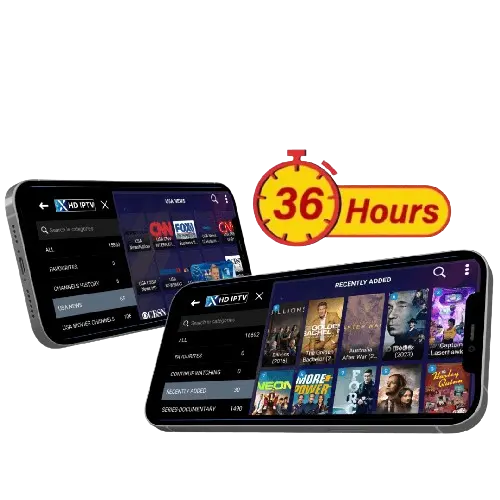
Explore the Xtreme HD IPTV UK free trial on your own device. Browse the guide, try live channels and get a feel for films and series before choosing your package.
Complete the free trial form on our pricing page to request access.
From the living room to your mobile, choose the screen that fits the moment. Set up a compatible player and bring live television and on-demand entertainment together.
Find your device guide ↗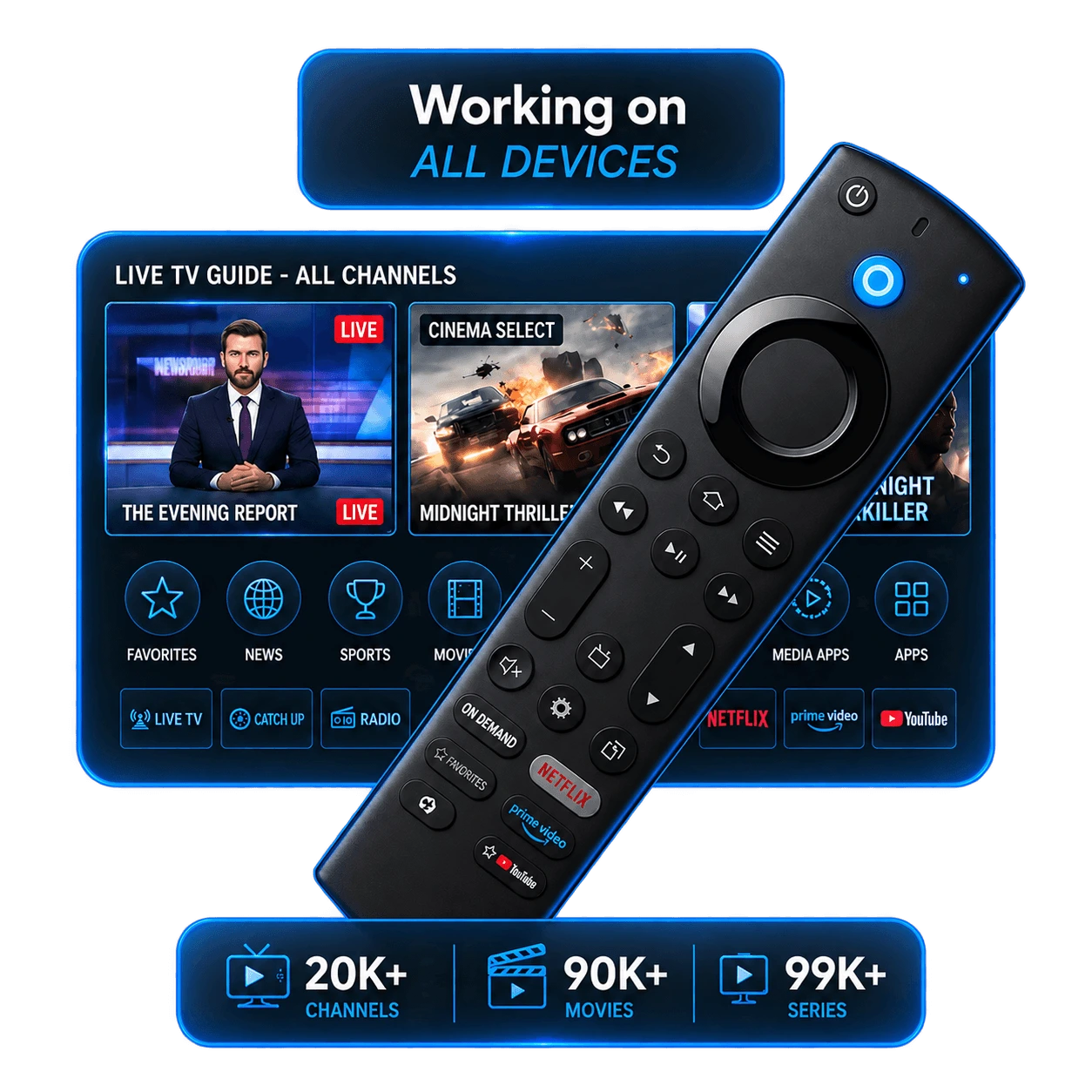
The official Xtreme HD IPTV app and selected third-party IPTV players offer different interfaces and device support. Check your device before installing.






Compare durations and connections on the pricing page.
After your order is processed, receive your subscription details.
Set up a compatible app or IPTV player on your device.
Enter your details and explore live channels, the guide and VOD.
You need a compatible device, a suitable IPTV app and a steady broadband connection. The bandwidth needed rises with picture quality and with every additional stream in your home.
HD and 4K depend on the available source, device and connection. See our guide to how IPTV works.
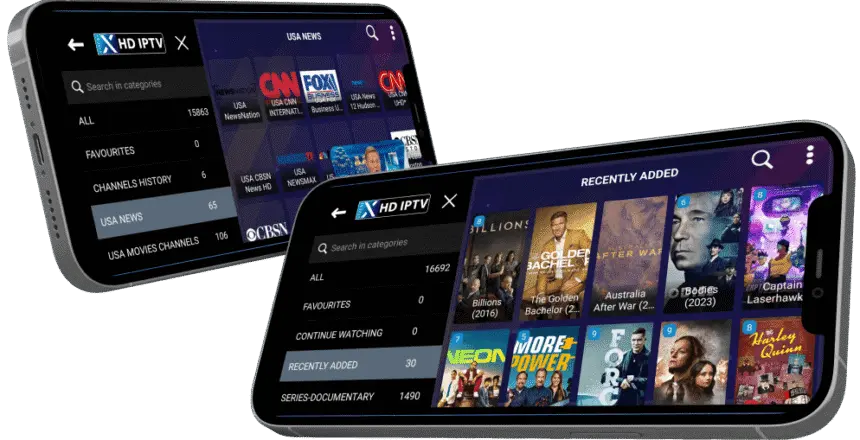
Start at the official app page for download options and setup information. On some smart TVs and Apple devices, you may need a compatible third-party IPTV player instead of the Android app.
A UK viewing setup should make it easy to find programmes that feel close to home while leaving room to explore. With Xtreme HD IPTV, you can browse British and international categories for live entertainment, news, films and sport through one compatible app. Availability differs between channels and changes over time, so confirm any must-have programme with support.
An EPG brings schedules into the player, helping you see what is showing now and what is coming next. It is especially useful when you switch between live sport and evening entertainment. If you are new to internet television, read what IPTV is and how it works before setting up your first device.
Someone watching on one television has different needs from a household using several screens. You can compare current plans and connection options, then visit the Xtreme HD IPTV app and device page to choose a supported setup. For an Amazon Fire TV device, follow the Firestick setup guide.
Interfaces vary: some players put the live guide first, while others make films and series easier to browse. Our best IPTV players comparison can help you decide which app fits your device. If you are wondering about trial access, device limits or the guide, jump to the UK frequently asked questions below.
Your viewing habits do not have to follow one schedule. Live television suits the news, a match or an evening programme you want to follow as it happens. On-demand browsing gives you another option when you would rather choose a film or settle into a series. Xtreme HD IPTV UK brings these ways of watching into a compatible player, helping you move between categories without rebuilding your setup each time.
For a household with different tastes, that flexibility matters. One person may prefer British programming, while another explores international entertainment. Browse the categories that interest you and check any essential programme before choosing a subscription.
The most useful streaming test happens at home, on the screen and internet connection you plan to use. During a trial, explore the guide, open several available channels and browse the on-demand menus. Check that text is easy to read from your sofa and that the remote or touch controls feel comfortable.
To request an Xtreme HD IPTV UK free trial, complete the free trial form on the pricing page. Trying your actual setup helps you decide whether the app, browsing experience and available programming suit the way you watch.
When searching for the best IPTV UK option, look beyond a headline channel count. Consider the programmes you want, the devices you already own, the number of simultaneous connections your household needs and how easy it is to navigate the app. A useful United Kingdom IPTV setup is one that fits your daily routine.
Keep plan duration and connection allowance in mind when comparing prices. Check the billing currency and final checkout amount, then choose a package that matches your viewing needs. Our UK IPTV FAQ covers common questions about the guide, devices and getting started.
Once your player is installed, spend a few minutes arranging your favourites, checking the guide time zone and exploring the categories. Where your chosen app supports these settings, a little organisation makes it easier to return to the channels and programmes you watch regularly.
Keep the app up to date and use a stable connection. If playback changes, compare more than one channel and check whether other devices are using your broadband. These small checks help you explain a problem clearly when asking for setup assistance.
IPTV delivers live television and on-demand video over an internet connection. “IPTV UK” usually describes services or viewing options relevant to people in the United Kingdom.
UK and international categories are available. Individual channels and programmes may change, so ask support to confirm a particular item before purchasing.
You can request the 36-hour trial using the free trial form on our pricing page. Check the form for current availability and any eligibility requirements.
Guide data is available for supported channels and compatible players. Coverage and schedule accuracy can vary by channel.
Compatible options include Fire TV devices, Android devices, selected smart TVs, Apple devices and computers. The installation method depends on the platform. See the app and device guides.
The required speed depends on your stream quality, Wi-Fi stability and simultaneous household usage. Test the connection on your viewing device and leave extra capacity for other devices.
The displayed starting price is £11.99. Check the current pricing page and checkout for the exact plan, currency conversion if applicable, and final amount before ordering.
The best IPTV UK setup depends on what you watch, your devices, internet connection and budget. Compare available plans, test compatibility and ask support about specific programming before deciding.
Find a plan for your UK setup and get help choosing the right app for your screen.