

Xtreme HD IPTV App
Official app

Bring live TV, sports, movies and international programming together on your favourite screen. Explore a viewing setup for your Canadian home, with support in English and French.

Keep up with the stories, teams and shows that matter to you. Discover programming from across Canada and around the world, with fresh choices for every mood and every member of the family.
Watch Canadian English channels covering news, live sports, entertainment and family programming. From local headlines to your favourite shows, bring the TV you enjoy together with Xtreme HD IPTV Canada.

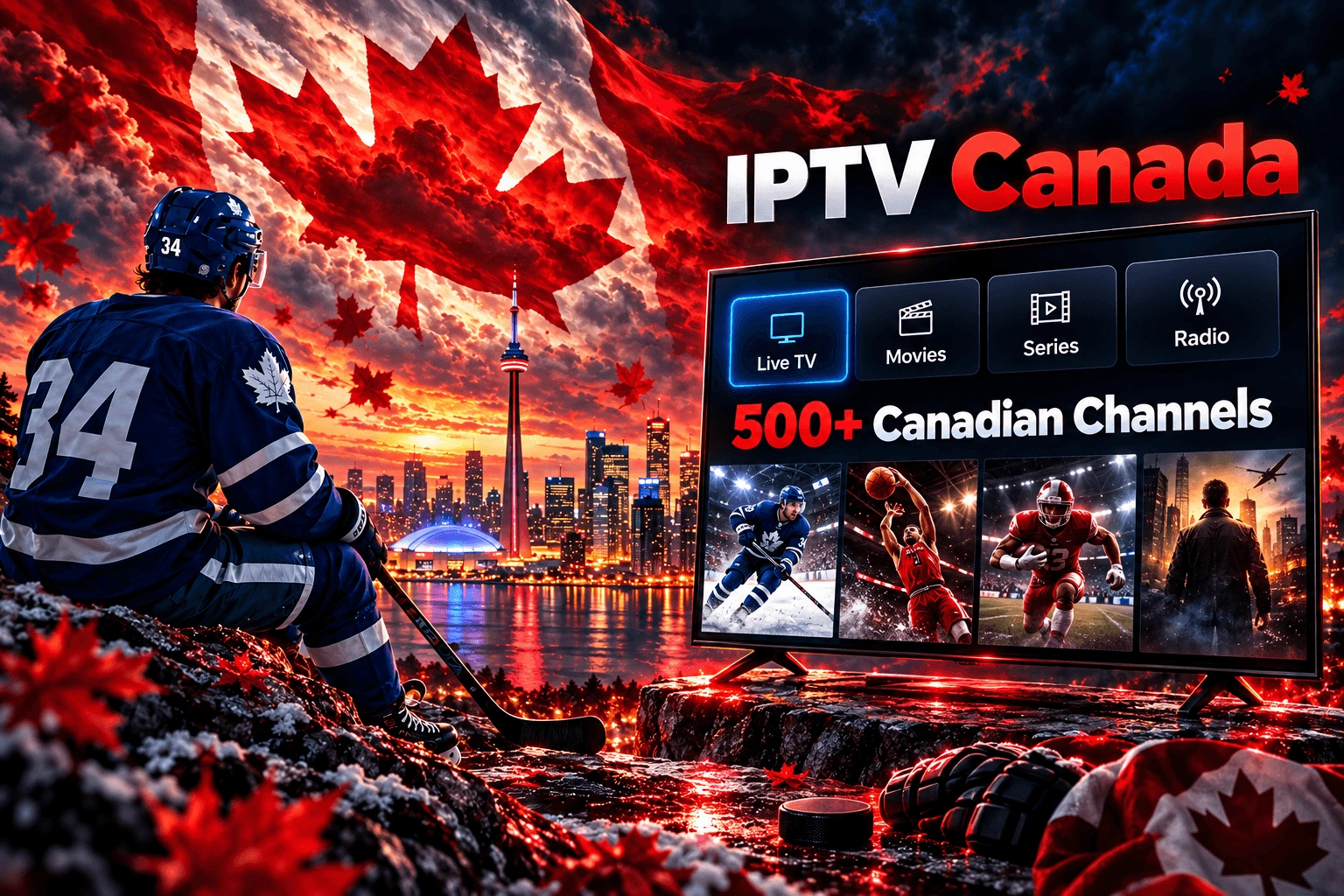
Explore English-language viewing across Canadian and international categories. Switch between live television and on-demand entertainment using your player’s channel groups, favourites and search tools.
Build a favourites list around your household’s regular viewing. On supported players, this keeps frequently watched channels close at hand without scrolling through every category.
A bilingual household should have room for both languages. Explore French-language categories alongside English and international viewing.
Look for French-language films, series, entertainment and news in the available catalogue. Audio tracks, subtitles and guide information depend on the programme and player; French support can help you check the options that matter to you.

Découvrez les options de télévision en direct, de films et de séries pour votre foyer. Notre assistance en français est disponible 24 h/24 et 7 j/7 pour vous accompagner dans le choix d’une application compatible et la configuration de votre appareil.
Vous recherchez une chaîne ou une émission précise ? Vérifiez sa disponibilité auprès de notre équipe avant de choisir votre abonnement.
Use the electronic programme guide to see what is on now and what comes next on supported channels. A guide can make the difference between browsing aimlessly and finding your evening’s viewing in seconds.
Canada spans multiple time zones. Set your device’s time zone correctly, then check your IPTV player’s EPG settings if listings appear early or late. Guide coverage and update times vary by channel and app.
Learn how an IPTV EPG worksFrom hockey nights and Canadian football to basketball and fight nights, build your viewing around the sports you follow. Ask our team about the specific NHL, NFL, CFL, NBA or UFC PPV event you want to watch before subscribing.


Event availability varies. League names identify viewing interests; artwork features fictional athletes and does not imply an official affiliation.
Browse films and series when you want a change from live television. Explore different genres, check available audio languages and save your next watch in a compatible player.




Explore the available catalogue in your app. Genre artwork is illustrative; titles and language options may change.
See how Xtreme HD IPTV fits your viewing routine before choosing a subscription. Explore live TV, browse movies and series, and test streaming on your own device and home connection.
Complete the trial request form on our pricing page. Eligibility and activation details are shown on the form.


Find a suitable setup for Fire TV Stick, Android TV, selected smart TVs, phones, tablets and computers. The app you install depends on your device and operating system.
For IPTV Brampton households—or anywhere else in Canada—the useful starting point is the same: check your screen, app and home connection before choosing a plan.
Choose the interface you prefer. IPTV Smarters Pro and other compatible players organise your subscription into channels, guide listings and on-demand categories.
Official app

Check platform support

Android TV player

Apple device player

Check your TV model

Check platform support
Third-party players may require a separate licence and do not include a TV subscription. Device availability varies. Compare IPTV players.
Check your device and compare the plans and connection options on our pricing page.
After your request or order is processed, follow the access instructions you receive.
Use the official app or a compatible player and enter your subscription details.
Load channels and the guide, choose your time zone and create your favourites list.
A compatible device and stable broadband connection are the foundation. Higher picture quality and additional simultaneous streams need more bandwidth, while weak Wi-Fi can affect playback even on a fast internet plan.
HD and 4K availability depend on the source, device and connection. Read how IPTV works.


Start with our app page to find download options and device instructions. Follow the guide for your platform rather than installing an app intended for a different device.
When your player asks for login details, use the credentials supplied with your subscription. Some smart TVs and Apple devices use a third-party player instead of the Android app.
Support is available 24/7 in English and French for Canadian customers. Get help choosing a compatible app, entering your details or checking your viewing setup.
Tell us your device model, player name and what appears on screen. A clear description helps the team understand your question and guide you through the next step.
Compare the features you will actually use: programming, language support, equipment, trial terms and the total cost. Other IPTV providers can differ just as much from one another as they do from cable.
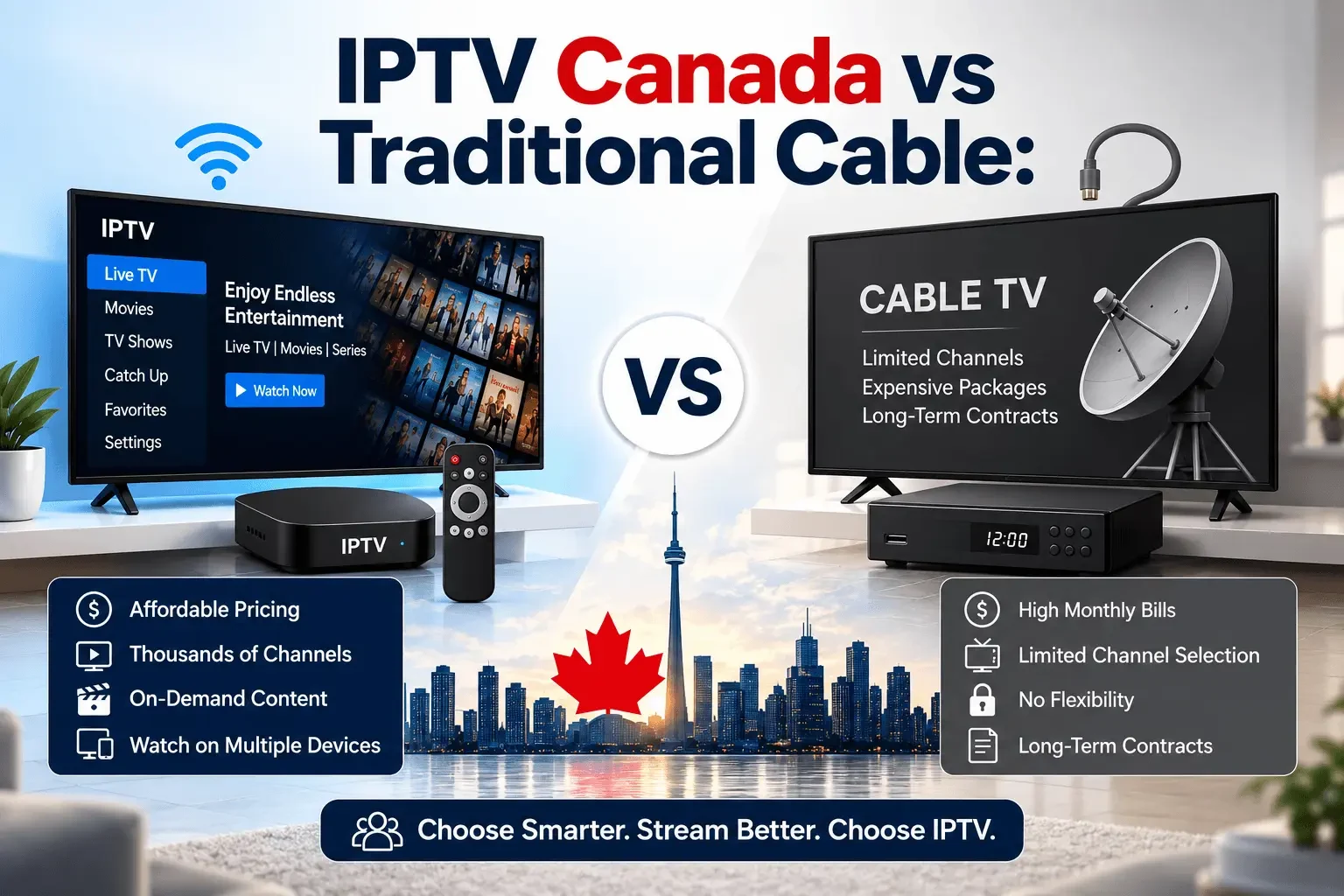
On smaller screens, swipe the table to compare all options.
| Feature | Xtreme HD IPTV Canada | Traditional cable | Other IPTV providers |
|---|---|---|---|
| Canadian & international programming | ✓ | ✕ | ✓ |
| Movies & series on demand | ✓ | ✓ | ✓ |
| 24/7 English & French support | ✓ | ✓ | ✕ |
| 36-hour free trial | ✓ Subject to trial terms | ✕ | ✕ |
| Compatible IPTV player setup | ✓ | ✕ | ✕ |
| Published device setup guides | ✓ | ✓ | ✕ |
An informed choice starts with clear expectations. Here is how to match the service, player and connection to your everyday viewing.
Choosing Xtreme HD IPTV for a Canadian home begins with the way you watch. A household following live sport has different needs from someone who mainly watches films or French-language series. List your must-have categories, check their current availability, and choose the setup that fits your routine. A broad catalogue is useful only when you can find the programmes you care about.
For bilingual households, language is more than a menu setting. Check the audio language of your regular channels and whether your preferred films offer the subtitles you need. French-language support can make setup easier for Québec customers, while English support is available for other household members. Programme languages and guide data still depend on each source.
The best place to start is often the device already connected to your television. Visit our app and device guides to see how the setup works, then read the best IPTV players comparison if you are deciding between interfaces. For an Amazon device, the Firestick setup guide walks through that platform. Check any separate player licence before committing.
The best IPTV Canada choice depends on your viewing priorities, budget and home connection. Use a trial to test the actual television, player and network you intend to use. Try the guide, change channels, search the on-demand library and check your preferred languages. Then compare subscription packages and connection options using the final checkout amount and currency rather than an assumed conversion.
A city name does not change the basics of a reliable stream. Whether you are setting up IPTV in Brampton, Montréal, Vancouver or elsewhere, your device, local network and preferred content matter most. Allow enough bandwidth for other people at home, choose the correct time zone and ask about any specific language category before subscribing. International programming can help different members of the same household find familiar viewing.
If you are new to internet television, our guide to what IPTV is and how it works explains the foundations. A player is the interface, while your subscription supplies access to a service. Keep your credentials private and use the appropriate setup guide. For trial details and common questions, see the Canada FAQs or visit our main FAQ page.
“Can't thank you enough. I've been using IPTV for like 4yrs and this has been the smoothest process i've ever had!”
Dennis Cowan · Canada“Thank you!!! Your customer service and service is awesome!!! I know there are glitches once in a while, but it is always fixed quickly.”
James Devoe · Canada“I just got home from work and jumped right on and was in within 5 minutes. You are worth your weight in gold sir. Best iptv service ever.”
Kenneth Healy · CanadaIPTV stands for Internet Protocol Television. It delivers television through an internet connection rather than relying only on a traditional cable or satellite signal. Depending on the service, it can include live channels and on-demand programmes. Read our introduction to IPTV for more detail.
IPTV is a delivery technology and is not inherently illegal. Whether a particular service is lawful depends on its rights to distribute the content and its compliance with applicable laws. A paid subscription or working app does not by itself establish those rights. Please check your local or regional copyright laws in regards to the legality of watching IPTV.
Your device receives video over an internet connection. A compatible IPTV player uses your subscription details to load the available channels, guide and on-demand categories. The player is the interface; it does not automatically include a subscription. Playback quality depends on the source, network, device and app.
Choose a provider, confirm the content and device support you need, and review the subscription terms. For Xtreme HD IPTV Canada, visit the pricing page to compare plans or request a trial. Then follow the device setup guide and enter the access details supplied after your request or order is processed.
The pricing page includes a form for the advertised 36-hour IPTV free trial. Submit your request there and check the current eligibility and activation instructions. Use the trial to test your app, connection and preferred programming. Visit the free-trial request page.
IPTV Smarters Pro is one of the compatible player options when the version available for your device supports the login method supplied with your subscription. App availability varies by platform. Follow your setup instructions, enter your details carefully and contact support if you need help. The player and TV subscription are separate products.
Explore the available Canadian and international categories for English- and French-language viewing. The catalogue, audio tracks and subtitles vary by channel or title. Customers looking for IPTV Quebec or IPTV Brampton options should confirm specific language requirements with our English- and French-speaking support team before ordering.
Compare programming availability, content authorisation, device support, the full subscription cost, connection limits and support quality. Test the service on your own network when a trial is available. The best fit is the one that meets your household’s actual viewing needs; a large channel count alone does not establish quality.
Explore the packages, request a trial, or talk to our team in English or French about your setup.