
01
Live TV
20,000+ Live Channels
Explore live programming from the USA and international markets across entertainment, news, sports and more.
Xtreme HD IPTV gives viewers across the USA access to 20,000+ live TV channels and 150,000+ movies and series from the United States and worldwide. Watch sports, news, entertainment and PPV in HD and up to 4K on compatible devices.

One subscription brings live television and on-demand entertainment together across compatible devices. Browse USA programming alongside international content, sports, movies, series, news and PPV from one service.
Explore live programming from the USA and international markets across entertainment, news, sports and more.
Move from live TV into a large on-demand library without switching services.
Watch supported streams in sharp HD and up to 4K depending on the source, device and connection.
Use a real-time TV guide, choose the connection setup that fits your household and get support when you need it.
Explore the catalogue by country and category. Check your favourites before choosing a subscription.
Opens in a new tab. Confirm specific channels and events with support.

Browse a large selection of USA movies and full TV series, updated regularly, including our 24/7 movie channels.




Follow major American and international sports across football, basketball, baseball, hockey, soccer, combat sports, racing, tennis and more — including coverage around the NFL, NBA, MLB, NHL, MLS and UFC, subject to current feed and event availability.





Live sports and PPV availability can change. If a specific game, matchup or event is essential, confirm current availability with support before subscribing.
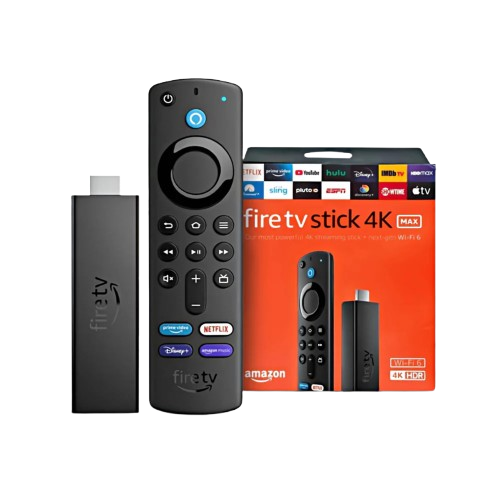
Xtreme HD IPTV supports the most common streaming devices used across the USA, so you can watch from the living room, bedroom or mobile setup without being locked into one screen. Use the service on compatible Amazon Firestick devices, Android TV, Chromecast, Roku and Apple TV, along with other supported platforms.
Install the Xtreme HD IPTV app on compatible devices and take your subscription from the living room to mobile.
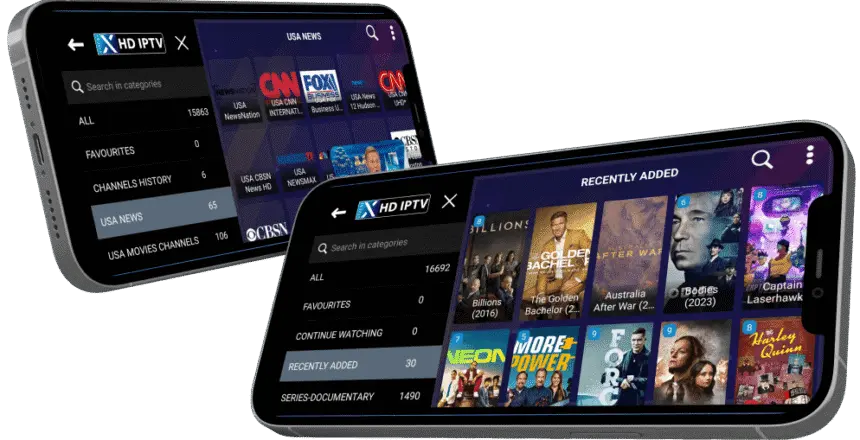 Your screen. Your setup.
Choose your player, check your connection, and have your account details ready.
Follow the instructions for your device and check any separate player charges. Explore device guides.
Use a stable connection and test near your normal viewing time. Where possible, compare Wi-Fi with Ethernet if playback is inconsistent.
Enter the account information supplied for your subscription. Check spelling and follow the login method recommended for your player.
An EPG helps you browse scheduled television and find upcoming programmes. Guide coverage and presentation depend on the channel and player; check the time settings for your location.
Learn how IPTV programme guides work →Visit the pricing page and choose the duration and connection setup that fits your household.
Once your order is processed, use the subscription information supplied for your account.
Install the app on a compatible device, sign in and browse live TV and on-demand categories.
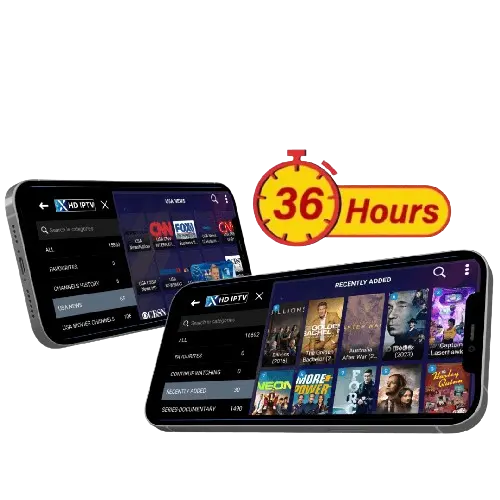
Request a 36-hour trial to explore the service through the official Xtreme app on a compatible Android or Fire TV device.
Request Your Free Trial →Requests are reviewed before access is issued. Trials use the official app, exclude adult content, and may be suspended during major sports events. See the trial page for full conditions.
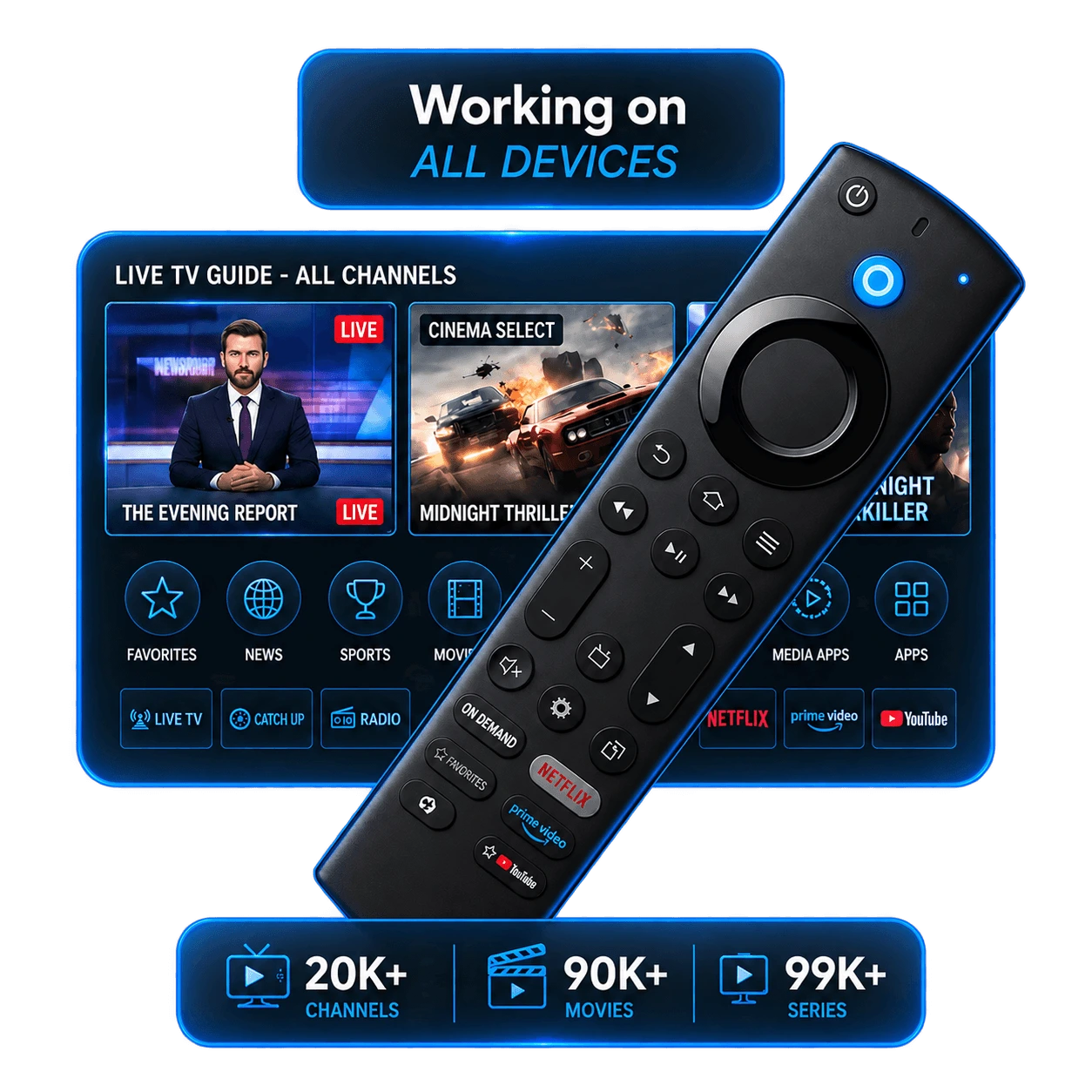
Choose your plan by the number of screens watching at the same time.
One screen at a timeA single connection for individual viewing.
Two screens togetherWatch different programmes on two household screens.
More screens, more choiceCompare connection options for a larger household.
Multiple connections are intended for simultaneous viewing within the same household. Installing on multiple devices does not increase your plan’s connection allowance.
Choose your subscription duration and the number of connections that fit your household. View current packages and prices.
Understand how IPTV works and what to look for before choosing a service.
Read guide → 02 Firestick Setup GuideFollow the dedicated installation guide for compatible Fire TV devices.
Read guide → 03 Best IPTV PlayersCompare player options and choose the right app for your preferred device.
Read guide →Read customer feedback shared by email and Telegram. Open a screenshot to view the complete message.

Choosing an IPTV service in the United States starts with what you want to watch and the screen you already use. Xtreme HD IPTV brings live television and on-demand entertainment together, letting you browse American programming alongside international content. Check the current catalogue and confirm any essential channel or event before subscribing.
Your subscription should also fit your household. On the Xtreme HD IPTV pricing page, compare durations and connection options against how many people will watch at once. If you want to assess the official app on Android or Fire TV first, read the conditions and request access through the free trial page. Trial compatibility differs from the full subscription’s wider device options.
Device-specific instructions help you get started with the right player. Use the app and device guide hub to find your platform, or open the dedicated Firestick setup guide, Android TV guide, or iPhone, iPad and Apple TV guide. Samsung owners can follow the Samsung Smart TV instructions, while LG viewers can use the LG setup guide. Recommended applications and login methods depend on the device.
Understanding the player makes everyday viewing easier. Our guide to IPTV players explains different options, and the EPG article covers the programme guide used for scheduled television. For more background, read what an IPTV service is. These resources help you distinguish the subscription, the application, and the connection that delivers the stream.
For US viewers, the practical value comes from having a setup that works for their routine. Check playback on your main device, confirm the programming you care about, and contact Xtreme HD IPTV support if you need help choosing a guide or understanding your account. That gives you a clearer basis for selecting a subscription than catalogue size alone.
IPTV USA refers to television services that deliver live TV and on-demand video through an internet connection for viewers in the United States.
Yes. Xtreme HD IPTV serves viewers in the USA and internationally and supports compatible devices including Firestick, Smart TVs, Android and iOS devices.
Yes. Xtreme HD IPTV supports compatible Fire TV and Firestick devices. Use the official app page and Firestick setup guide for current installation instructions.
Multi-device subscription options are available. Check the current pricing page to compare available connection options.
Xtreme HD IPTV includes programming from the USA alongside international content. Individual feeds can change, so contact support when something specific is essential.
Xtreme HD IPTV includes sports and PPV programming across major sports categories. Specific event availability should be confirmed when a particular broadcast is essential.
Xtreme HD IPTV supports HD and up to 4K picture quality. Actual resolution depends on the available source stream, your device and your internet connection.
Visit the dedicated Xtreme HD IPTV pricing page to see the current plan durations and connection options.
Yes. Request a 36-hour trial through the free trial page. Requests are reviewed, and trial access is limited to the official app on compatible Android and Fire TV devices. Trial conditions and availability apply.
Do not assume every local affiliate or regional feed is available. Confirm the specific channel and current feed with support before subscribing.
Simultaneous viewing depends on the connection allowance of your subscription. Choose a plan that matches the number of household screens watching together.
The iOS setup guide recommends IPTVX for iPhone, iPad and Apple TV. Follow that guide for account setup and check any separate player charges.
See the current Xtreme HD IPTV subscription options and choose the setup that works for you.